Web & SEO Tools
How to use the Cookie Consent Banner Generator
Generate a lightweight cookie consent banner (HTML, CSS & JS) with Accept and Reject buttons. No plugins.
Read Article
Scan a web page for broken links and see the status of every internal and external link: 404s, server errors, redirects and timeouts.
Dead links frustrate visitors and waste the crawl budget search engines give your site. This checker loads the page from our server, collects every unique link (internal and external, up to 200 per scan) and tests each one, showing 404 Not Found, 410 Gone, 5xx server errors, timeouts and redirects with their final destination.
Filter the results to see only broken or redirected links, open any link in a new tab to confirm, and export a CSV for your team. Scan your most important pages after redesigns, migrations or when old blog posts point to sites that no longer exist.
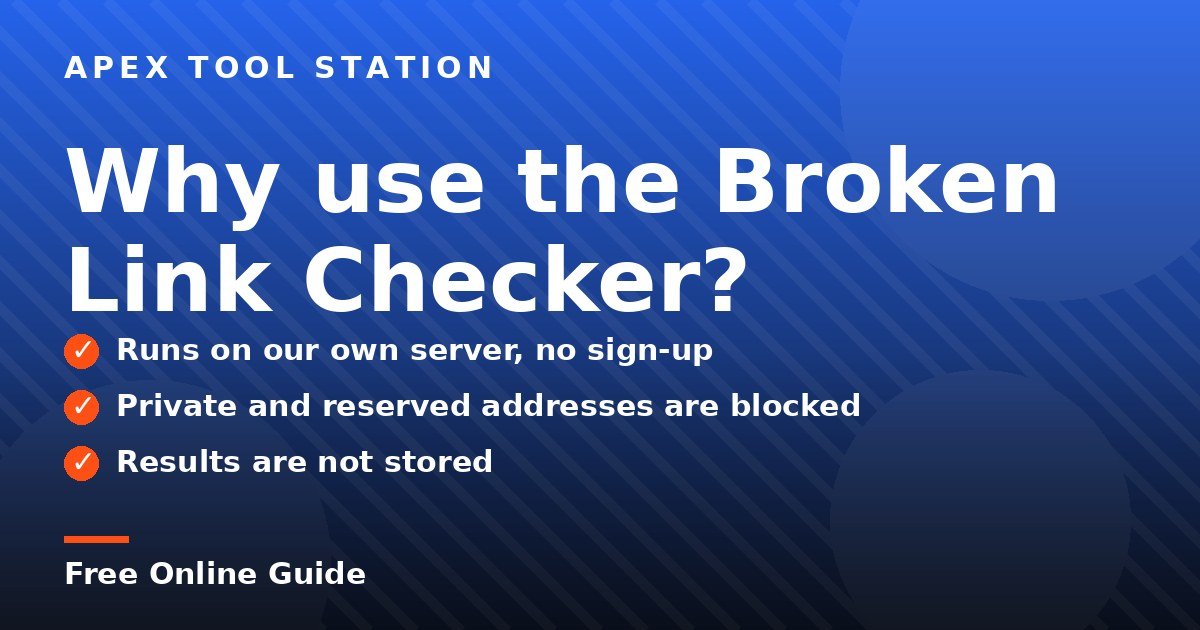
Scan a web page for broken links and see the status of every internal and external link: 404s, server errors, redirects and timeouts. It offers runs on our own server, no sign-up, private and reserved addresses are blocked and results are not stored.
Here is the whole process, step by step. It takes less than a minute from opening the tool to seeing your result.
Press the "Scan page" button and your result appears on the page.
Everything runs in your browser — your files and text never leave your device.
Some sites block automated checkers or require a login. A 403 or 429 from big social networks usually does not mean the link is broken.
It scans one page at a time. Run it on your home page, menus and key landing pages, which link to most of your site.
Yes. The Broken Link Checker on Apex Tool Station is 100% free with no signup and no watermark. Browser tools have no usage limits.
No. Our server makes the request, sends the result back to your browser and keeps nothing. Private and internal network addresses are blocked for safety.
Yes. The tool works on any modern browser on Android, iPhone, Windows, Mac and Linux.
Share this guide: X · Facebook · LinkedIn · WhatsApp
The Broken Link Checker is free, with no signup and no watermark. Open it and try it now.
Generate a lightweight cookie consent banner (HTML, CSS & JS) with Accept and Reject buttons. No plugins.
Read Article
Enter a URL or paste HTML to audit a page’s title, meta description, canonical, robots, Open Graph and Twitter tags.
Read Article
Clean URLs (remove tracking parameters, force HTTPS, trailing slash) and generate canonical link tags.
Read Article
Paste a YouTube or Shorts link to view and save the video thumbnail in HD, SD and smaller sizes.
Read Article